
Over the past few years, I’ve tried a lot of Figma plugins. Some were nice experiments, others became an essential part of my daily workflow.
Here’s a quick overview of the plugins I keep coming back to — the ones that actually make a difference when working on design systems, flows, or handoffs.
Design Systems & Handoff
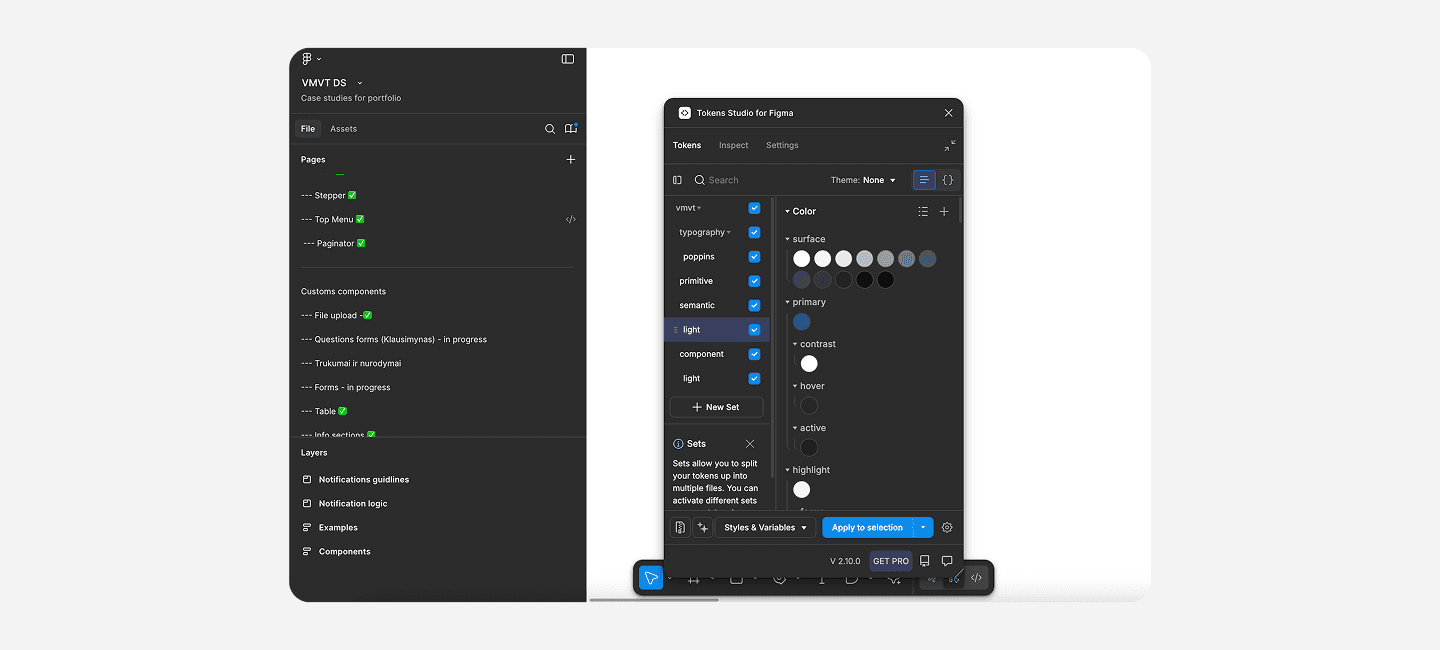
Tokens Studio
When building or maintaining design systems, Tokens Studio is a must-have. It helps manage design tokens like colors, typography, spacing, and shadows in a structured, scalable way. Perfect for keeping design and development in sync — especially when multiple designers are involved.
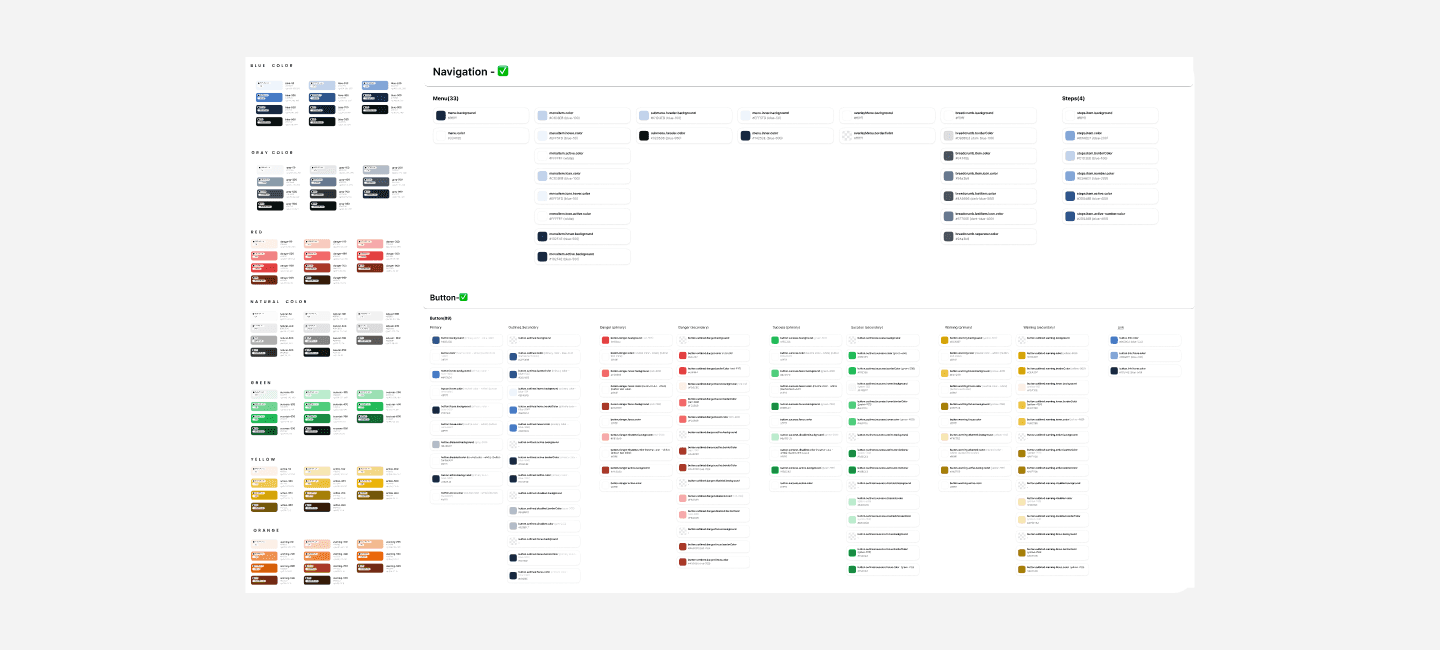
Foundation: Color Generator
I use this one when I need to generate consistent and accessible color palettes. It’s a lifesaver when you want a systematic approach to color scaling — from primary to neutral shades — without manually tweaking hex codes.
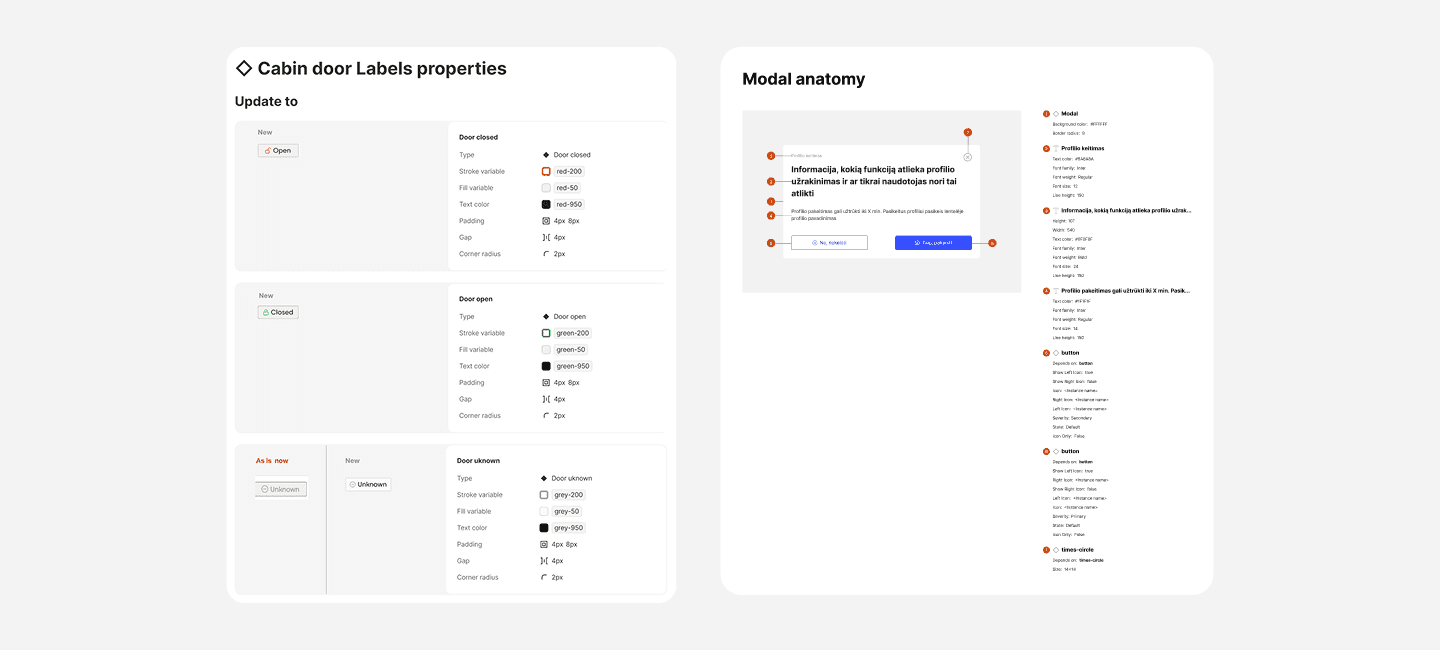
EightShapes Specs
This plugin is great for detailed handoff moments. It generates clear spec sheets with spacing, sizing, and color information directly from your designs — super helpful when developers or QA testers need precise details that can easily get overlooked.
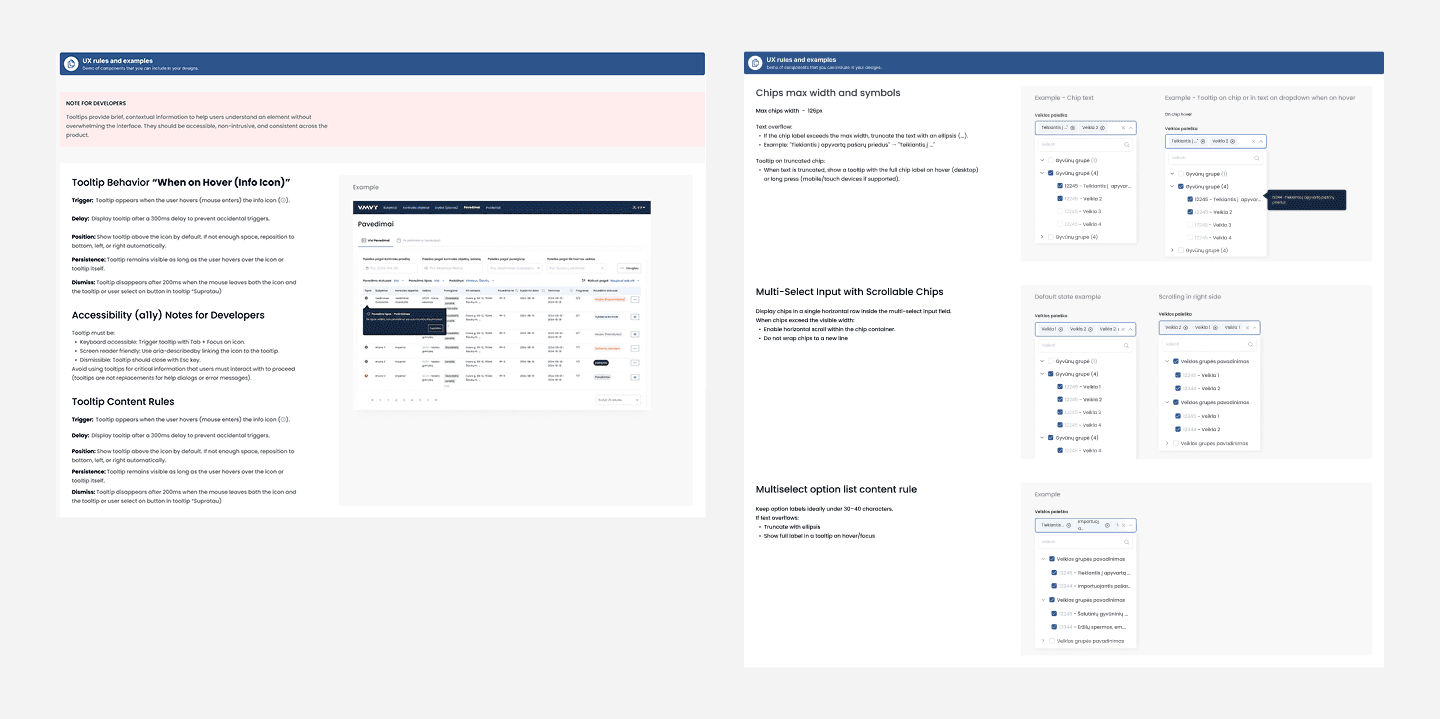
Spectral Measures & Annotations and Documentation Widget
Both of these are great for documenting design decisions right inside Figma. I use them to leave structured notes, specs, or guidelines directly in the file — so developers and other team members can easily understand the “why” behind the design.
Assets, Visuals & Mockups
PicWish Background Remover
When I’m preparing visuals or assets, this plugin saves so much time. No need to switch to Photoshop — just remove image backgrounds directly in Figma.
LottieFiles
For animation work, this is hands down the best tool. You can preview, create, and export lightweight animations straight from your Figma frames into Lottie format.
Clay Mockups 3D
Perfect for marketing or landing page visuals. It makes creating realistic 3D device mockups effortless — a great way to present app designs in a more polished, sales-ready way.
Wireframes & UX Flows
Black and White
This plugin turns your existing UI designs into black-and-white wireframes. I use it during early review stages when the focus should be on structure and flow rather than colors or UI details.
Auto Flow
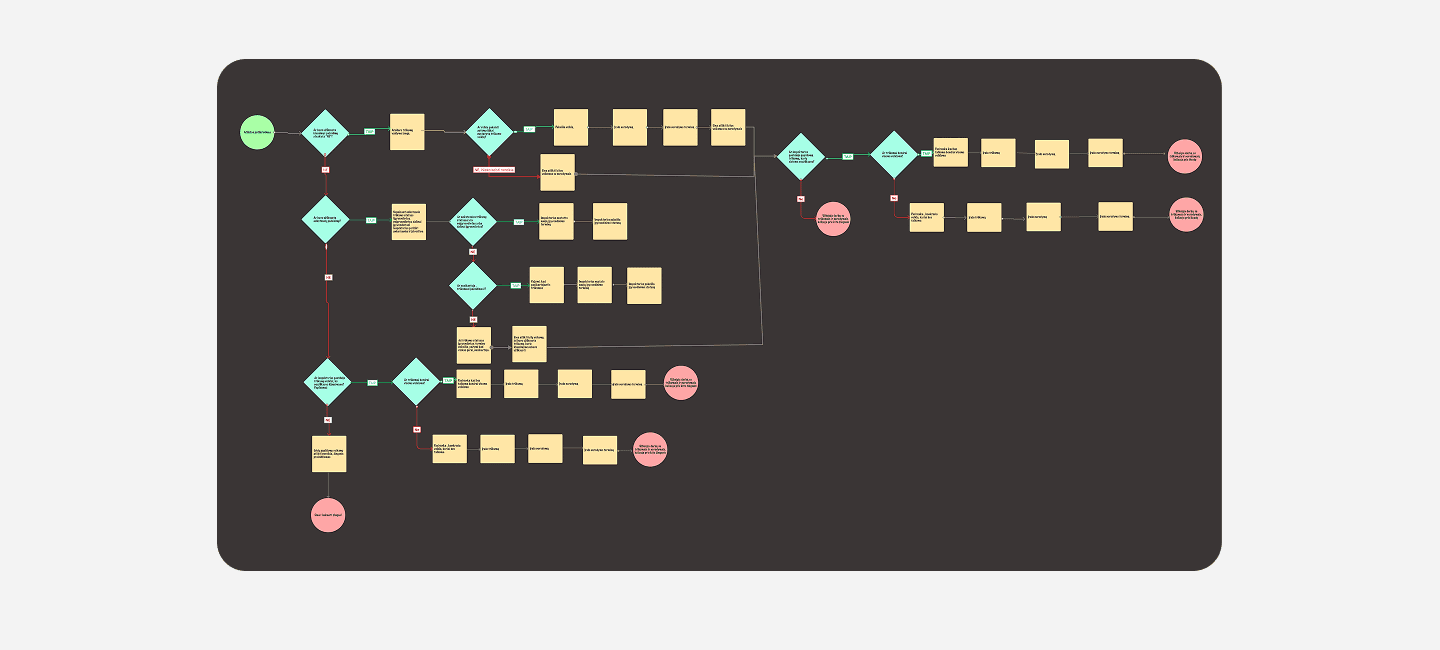
A very handy one for connecting screens and visualizing the user journey. It helps communicate ideas clearly during reviews with developers or PMs — without needing to jump into other flow tools.
UX Pilot.ai
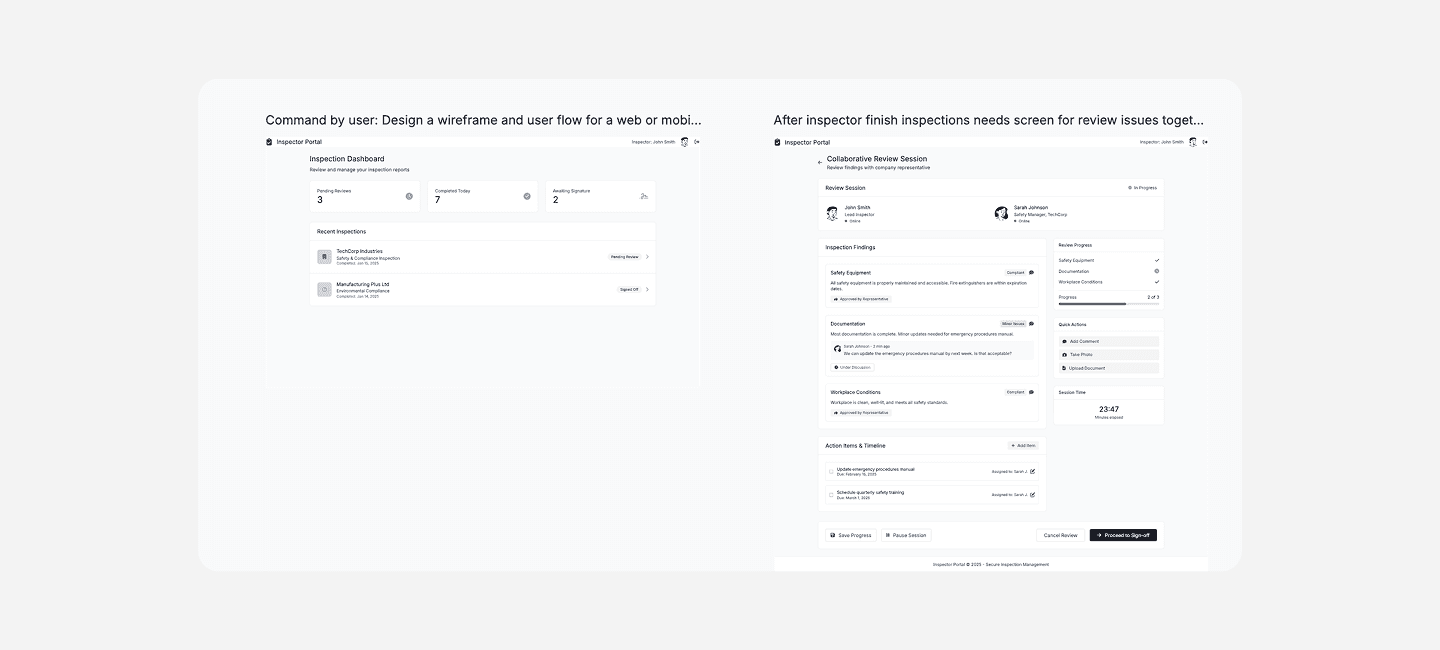
My go-to for quick idea generation. When I need to test early UX concepts or explore different layout options, this plugin helps speed up the creative process.
Figma’s plugin ecosystem is massive, but the real power comes from finding the few that truly fit your workflow. These tools help me stay efficient, consistent, and collaborative across different projects — from quick UX flows to complex design systems.
Over the past few years, I’ve tried a lot of Figma plugins. Some were nice experiments, others became an essential part of my daily workflow.
Here’s a quick overview of the plugins I keep coming back to — the ones that actually make a difference when working on design systems, flows, or handoffs.
Design Systems & Handoff
Tokens Studio
When building or maintaining design systems, Tokens Studio is a must-have. It helps manage design tokens like colors, typography, spacing, and shadows in a structured, scalable way. Perfect for keeping design and development in sync — especially when multiple designers are involved.
Foundation: Color Generator
I use this one when I need to generate consistent and accessible color palettes. It’s a lifesaver when you want a systematic approach to color scaling — from primary to neutral shades — without manually tweaking hex codes.
EightShapes Specs
This plugin is great for detailed handoff moments. It generates clear spec sheets with spacing, sizing, and color information directly from your designs — super helpful when developers or QA testers need precise details that can easily get overlooked.
Spectral Measures & Annotations and Documentation Widget
Both of these are great for documenting design decisions right inside Figma. I use them to leave structured notes, specs, or guidelines directly in the file — so developers and other team members can easily understand the “why” behind the design.
Assets, Visuals & Mockups
PicWish Background Remover
When I’m preparing visuals or assets, this plugin saves so much time. No need to switch to Photoshop — just remove image backgrounds directly in Figma.
LottieFiles
For animation work, this is hands down the best tool. You can preview, create, and export lightweight animations straight from your Figma frames into Lottie format.
Clay Mockups 3D
Perfect for marketing or landing page visuals. It makes creating realistic 3D device mockups effortless — a great way to present app designs in a more polished, sales-ready way.
Wireframes & UX Flows
Black and White
This plugin turns your existing UI designs into black-and-white wireframes. I use it during early review stages when the focus should be on structure and flow rather than colors or UI details.
Auto Flow
A very handy one for connecting screens and visualizing the user journey. It helps communicate ideas clearly during reviews with developers or PMs — without needing to jump into other flow tools.
UX Pilot.ai
My go-to for quick idea generation. When I need to test early UX concepts or explore different layout options, this plugin helps speed up the creative process.
Figma’s plugin ecosystem is massive, but the real power comes from finding the few that truly fit your workflow. These tools help me stay efficient, consistent, and collaborative across different projects — from quick UX flows to complex design systems.
Ready to kick off?
Ready to kick off?
Figma Plugins for Workflow
Over the past few years, I’ve tried a lot of Figma plugins. Some were nice experiments, others became an essential part of my daily workflow.
Here’s a quick overview of the plugins I keep coming back to — the ones that actually make a difference when working on design systems, flows, or handoffs.
Design Systems & Handoff
Tokens Studio
When building or maintaining design systems, Tokens Studio is a must-have. It helps manage design tokens like colors, typography, spacing, and shadows in a structured, scalable way. Perfect for keeping design and development in sync — especially when multiple designers are involved.
Foundation: Color Generator
I use this one when I need to generate consistent and accessible color palettes. It’s a lifesaver when you want a systematic approach to color scaling — from primary to neutral shades — without manually tweaking hex codes.
EightShapes Specs
This plugin is great for detailed handoff moments. It generates clear spec sheets with spacing, sizing, and color information directly from your designs — super helpful when developers or QA testers need precise details that can easily get overlooked.
Spectral Measures & Annotations and Documentation Widget
Both of these are great for documenting design decisions right inside Figma. I use them to leave structured notes, specs, or guidelines directly in the file — so developers and other team members can easily understand the “why” behind the design.
Assets, Visuals & Mockups
PicWish Background Remover
When I’m preparing visuals or assets, this plugin saves so much time. No need to switch to Photoshop — just remove image backgrounds directly in Figma.
LottieFiles
For animation work, this is hands down the best tool. You can preview, create, and export lightweight animations straight from your Figma frames into Lottie format.
Clay Mockups 3D
Perfect for marketing or landing page visuals. It makes creating realistic 3D device mockups effortless — a great way to present app designs in a more polished, sales-ready way.
Wireframes & UX Flows
Black and White
This plugin turns your existing UI designs into black-and-white wireframes. I use it during early review stages when the focus should be on structure and flow rather than colors or UI details.
Auto Flow
A very handy one for connecting screens and visualizing the user journey. It helps communicate ideas clearly during reviews with developers or PMs — without needing to jump into other flow tools.
UX Pilot.ai
My go-to for quick idea generation. When I need to test early UX concepts or explore different layout options, this plugin helps speed up the creative process.
Figma’s plugin ecosystem is massive, but the real power comes from finding the few that truly fit your workflow. These tools help me stay efficient, consistent, and collaborative across different projects — from quick UX flows to complex design systems.
Ready to kick off?